GuidesAfter the sale
Handle buyer cases and refunds
What to do when a buyer reports a problem, and how deadlines and refunds work.
5 min read · Updated 8 November 2026
When a buyer reports a problem with an order, it appears in Requests. You reply from the page and the buyer is emailed a link, so you never need to chase them by email. The same page lists messages written to your store.
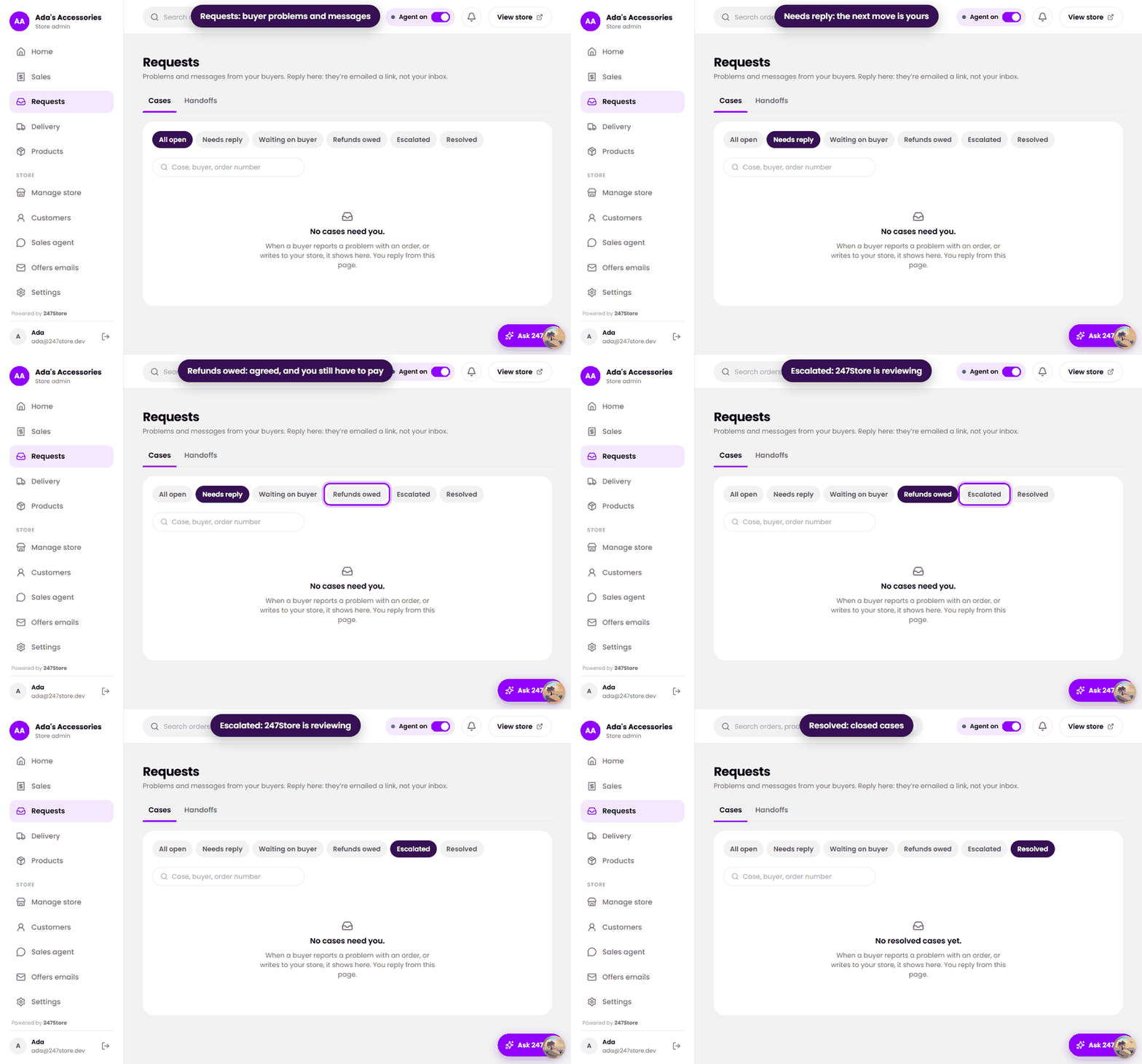
The views
- Needs reply, where the next move is yours.
- Waiting on buyer, where you asked something and are waiting.
- Refunds owed, where a refund was agreed and you still have to pay it.
- Escalated, which 247Store is reviewing.
- Resolved, closed cases.
The clock
- Buyers can open a case within 30 days of paying.
- You have 3 working days to reply to a new case or to the buyer’s next message. You are reminded as the deadline gets close.
- When a refund or replacement is agreed, you have 3 working days to carry it out.
- If the buyer does not reply for 7 days, the case is closed.
- If you miss a deadline, or the buyer escalates, the case goes to 247Store to review.
Resolve a case
- Open the case and read the message and any photos the buyer attached.
- Reply, or make an offer: a full or partial refund, or a replacement.
- If a refund is agreed, pay it from your own bank account to the buyer.
- Record the refund in the case so it leaves Refunds owed.
The full rules are in our Refunds and disputes policy.
Read next
Still stuck? Write to support.