GuidesStart here
Launch your store in minutes
From creating your account to a live store with your agent answering buyers.
4 min read · Updated 8 November 2026
You can have a store live in a few minutes, before you set up payments. Buyers can browse and chat with your sales agent straight away. You only need to verify yourself when money is involved.
The four steps
- Register. Create your account with Google or with your email and a password, then confirm your email address with the code we send you.
- Name your store. Give it a name and tell us what you sell. Your store gets an address like
yourstore.247store.site. - Add products. Add at least one product with a name, price, photo and stock. You can add them one by one, paste a price list, or upload a spreadsheet. See Add products.
- Publish. Pick a template and your brand colours, then publish. You can change the design any time. See Design your store.
Then get ready to sell
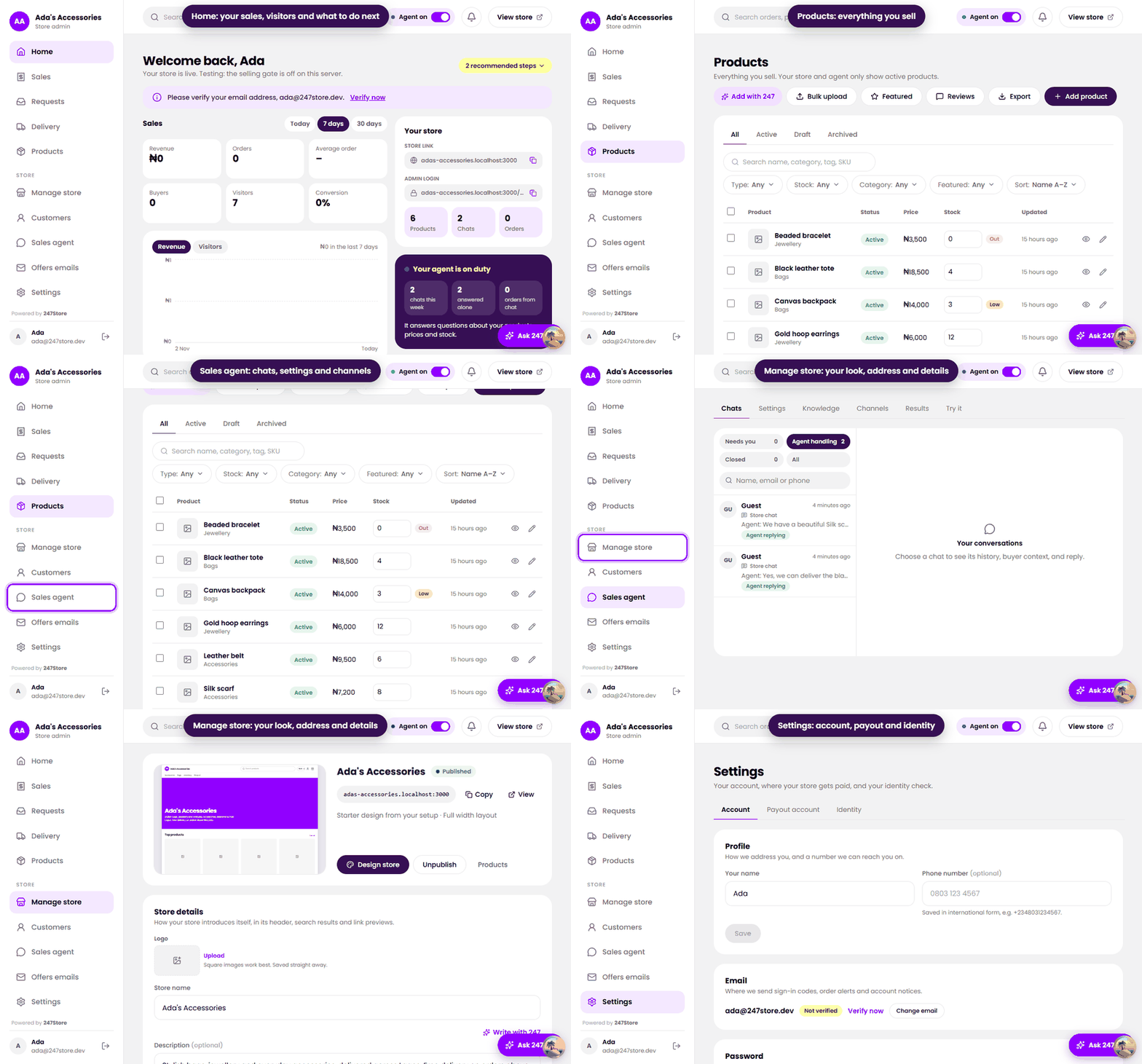
Home shows a checklist of what is left. To take paid orders and get paid you need two things:
- A payout account, the bank account your share of each payment goes to. See Add your payout account.
- A quick identity check with your BVN and a selfie. See Verify your identity.
After that, set up delivery (Delivery), check how your agent sounds (Set up your sales agent), and share your store link.
Read next
Still stuck? Write to support.